Sharing a Payment Link or QR Code
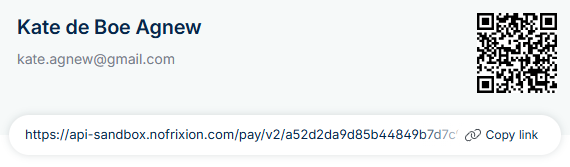
You can copy any payment link and share it manually with your customer via email, WhatsApp, or any other channel. A QR code is also available via the sidebar, which customers can scan to open the hosted payment page directly on their phone.
There are three ways to copy a payment link - see below.
Option 1: From the Payment Attempts Column
- Go to the Accounts Receivable table.
- In the Payment Attempts column, click Copy Link directly.

Option 2: From the Payment Request Details
- Go to the Accounts Receivable table.
- Click on a payment request.
- A sidebar will open with payment request details.
- Click Copy Link.
Option 3: From the Payment Info Tab
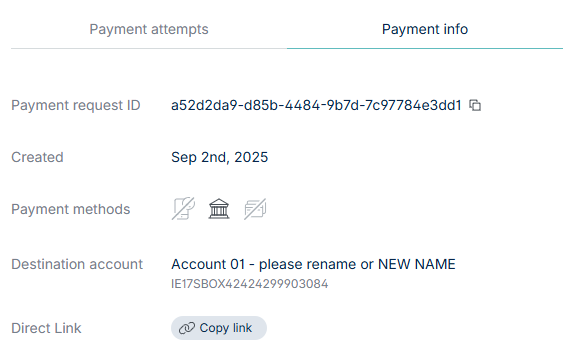
- Go to the Accounts Receivable table.
- Click on a payment request.
- In the sidebar, open the Payment Info tab.
- Click Copy Link.