
How to Use the Payout CSV Template
To make the bulk import process seamless, we recommend downloading and using the official NoFrixion CSV template. This ensures all required fields are correctly formatted.
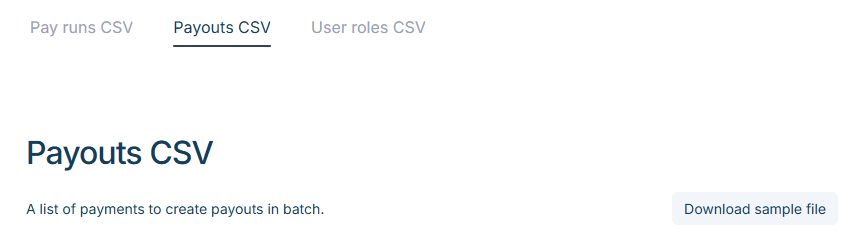
How to Download the Payout CSV Template
- Click the link labelled Look how to use the CSV template.
- Navigate to the Payouts CSV tab.
- Select Download sample file to get the template.
CSV Guidelines
To avoid errors in your CSV file, review the CSV Guidelines provided via the link on the upload page.
The guidelines include a reference table showing:
- Description → Explanation of each field
- Valid Format → The correct data format required
- Example → A sample value for guidance
Using the template together with the CSV guidelines will help ensure your file is properly formatted and ready for upload.