
How to Renew or Refresh Your Connected Bank Account
Once an external account has been connected, you will see the affiliated bank, the corresponding account information, and the expiry date of the linkage between NoFrixion and the connected account.
The connection remains active for 180 days for users in Ireland and 90 days for users in the UK.
There are two ways to re-connect your account:
- Refreshing the connection
- Renewing the connection
Refresh the Connection
- Go to the Current Accounts module.
- Go to the Connected Accounts tab.
- Click on the three dots.
- Select Refresh.

- Click the Continue button. You will be brought to your banking portal to re-authenticate. Follow the steps.
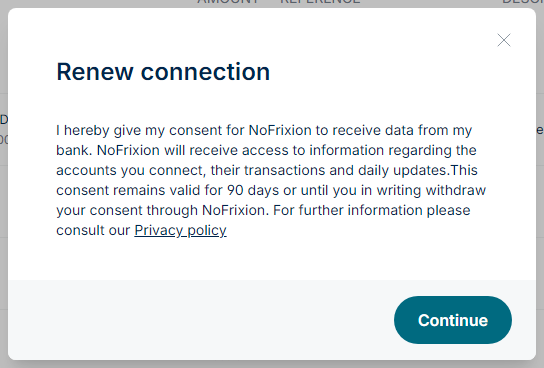
Renew the Connection
- Go to the Current Accounts module.
- Go to the Connected Accounts tab.
- Click into the account profile.
- Hover over the expiration timeframe.
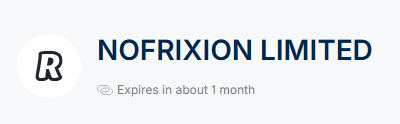
- A Renew connection link should appear. Click on this.

- Click the Continue button. You will be brought to your banking portal to re-authenticate. Follow the steps.

Note, renewing and refreshing the connection are the same action.