How to Remove A Connected Account
To remove a connected account before the link expires:
- Go to the Current Accounts module.
- Go to the Connected Accounts tab.
- Click on the three dots icon.
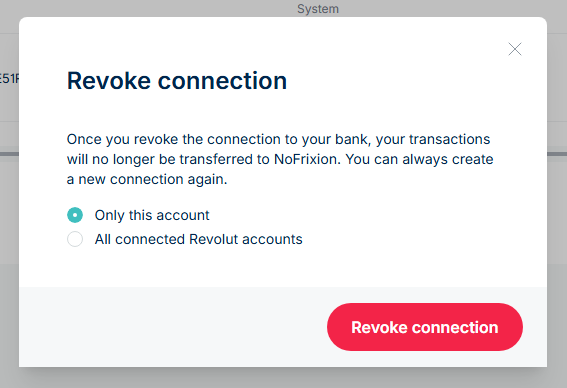
- Select Revoke connection.

- Choose whether to revoke access for the selected account only, or for all connected bank accounts.
- Click Revoke connection again.