
How to Change a User's Role
To change a user's role, follow the below steps:
- Log in to your NoFrixion account.
- Navigate to the arrow icon beside the merchant name, and click on it. A dropdown menu will appear.
- Click on System administration.
- Click on the User management tab on the left hand side of the screen. You'll see all users in the table.
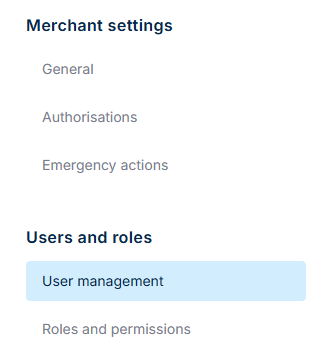
- Hover over the user whose role you wish to change. Click on the user and a sidebar will appear from the right of the screen.
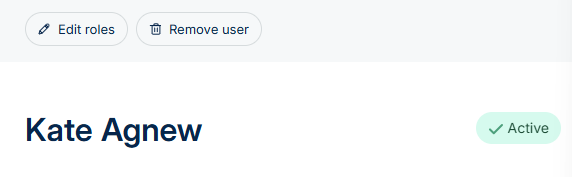
- Click on the Edit roles button above the user's name.
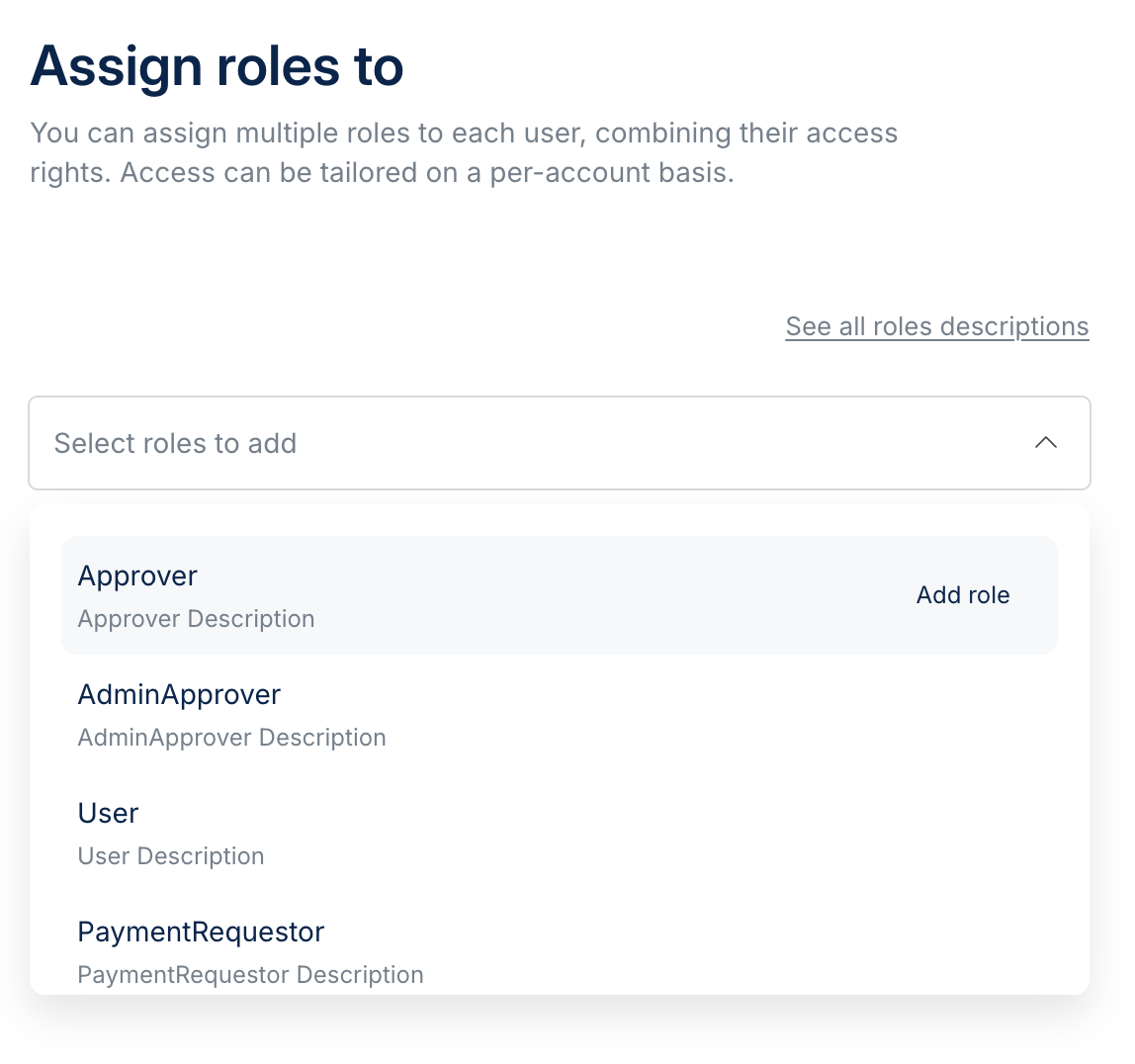
- From the dropdown menu, select the role from the list of available options. If you're not sure what role to assign, you can check what permissions are enabled by clicking on See all roles descriptions. You can add multiple roles if you wish.
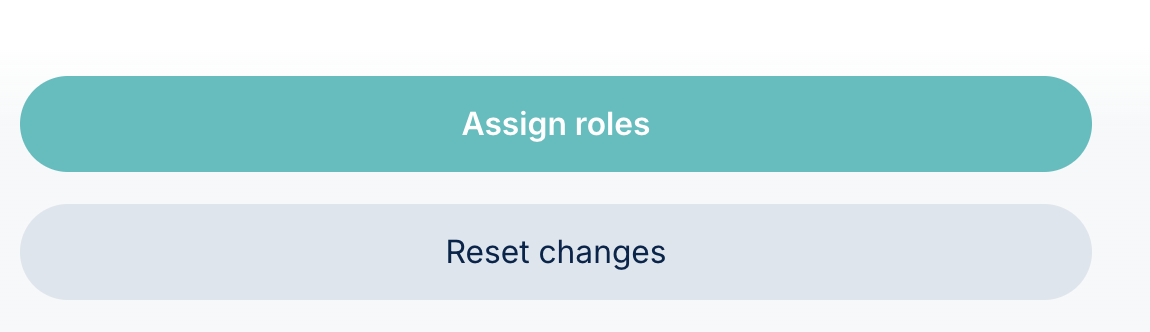
- Click on Assign roles to confirm your selection:
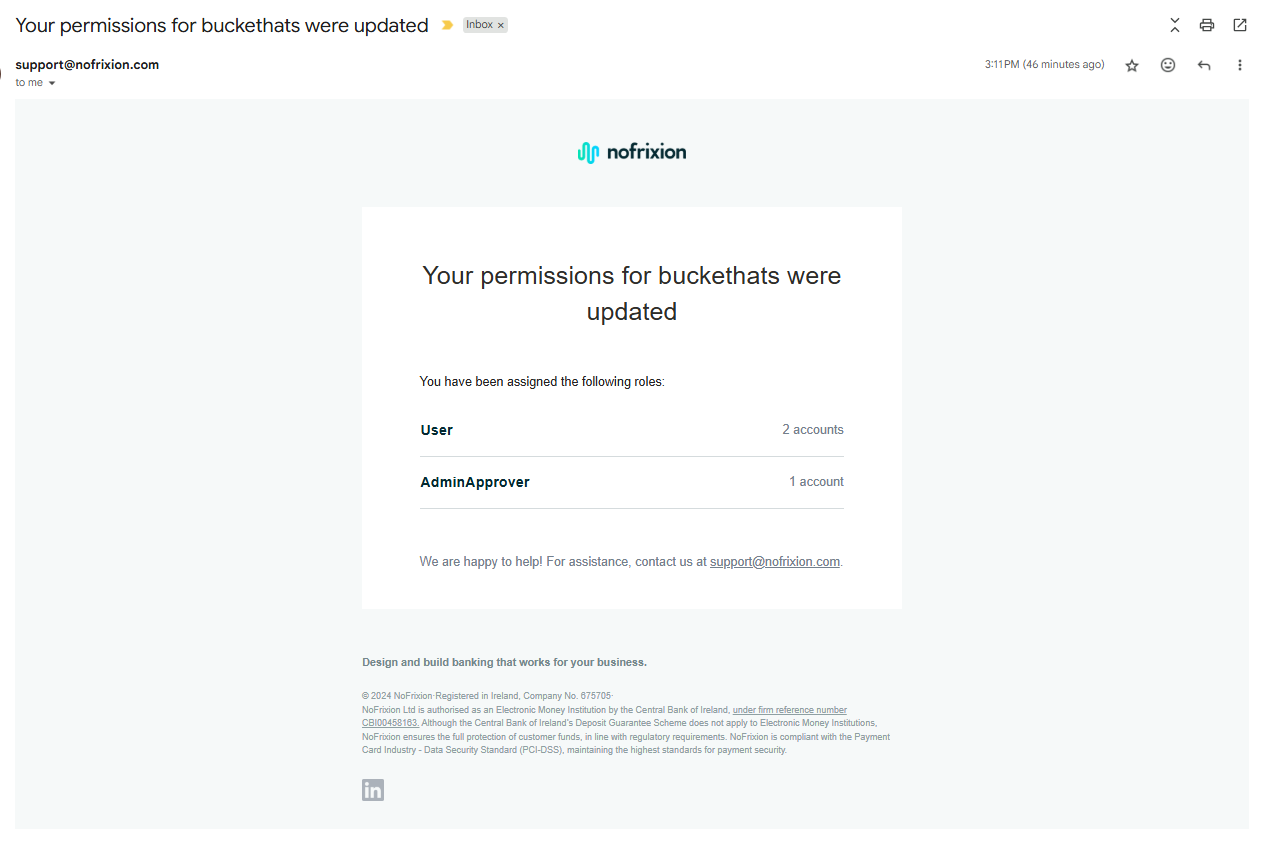
Once the role is updated, the user will be notified via email of any changes to their role and permissions:
Please note, the Owner role cannot be removed by a user on the platform - please contact support@nofrixion.com for this request.