
How to Disable a Rule
To pause or disable a rule:
- Go to the Rules module.
- Click on the desired rule.
- Select the Disable button:

You will then be prompted to confirm:

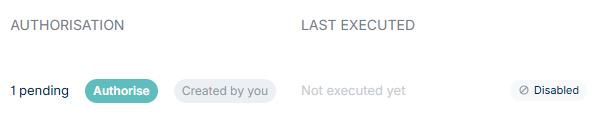
The rule will remain on the main Rules page but will be marked as Disabled:
Re-Enabling a Rule
To re-enable a rule, click on the rule and select Authorise. You will be prompted to review the rule and authorise with multi-factor authentication.
The rule will now appear as Enabled once again, e.g.:
