How to Create a New User Account
Please note, you must be invited to the NoFrixion portal by a user who has an active account before you can create a new user account.
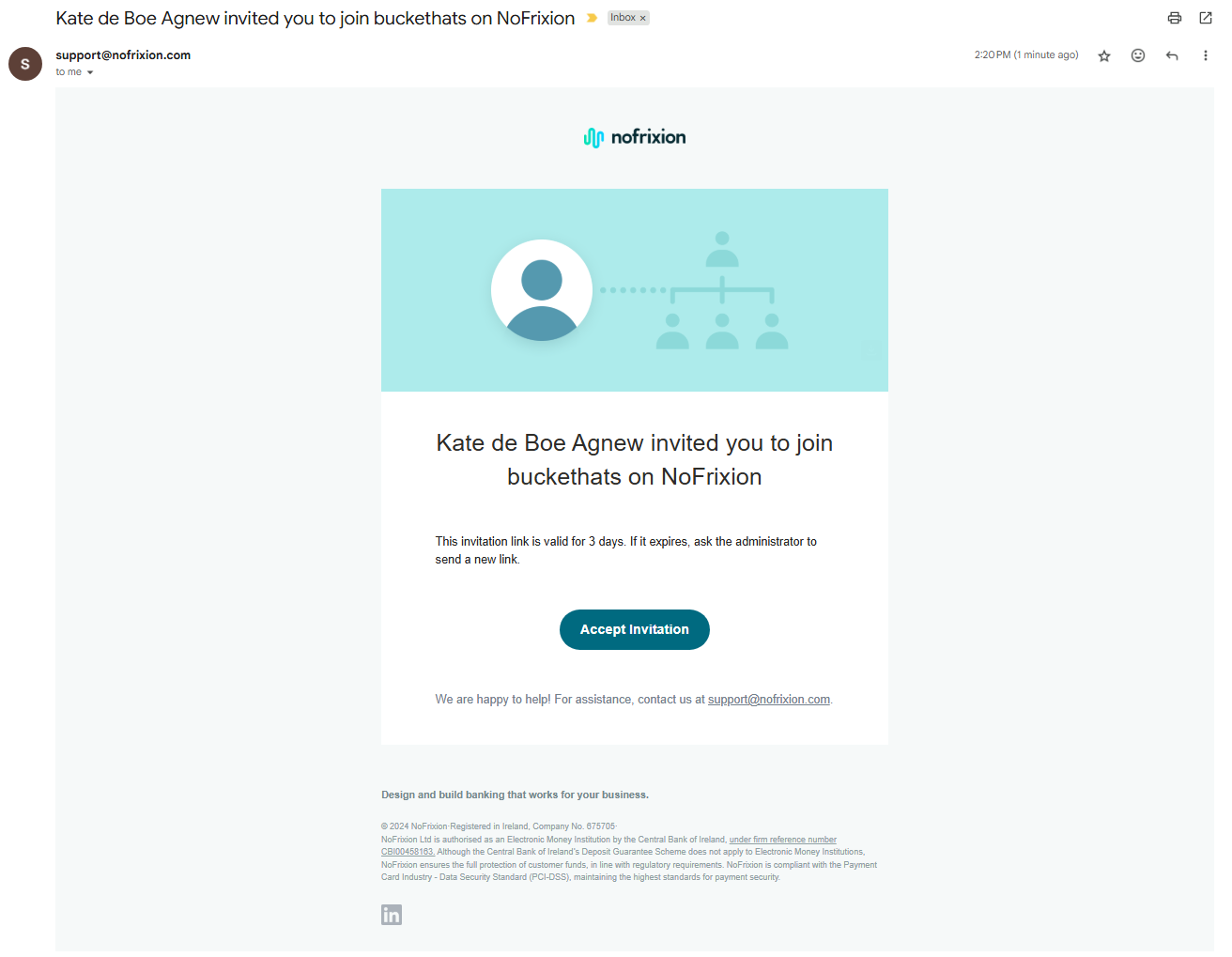
Once you have been invited by a user, you will receive an email from support@nofrixion.com which will bring you to the portal to create your account.
- Click Accept invitation in the email:
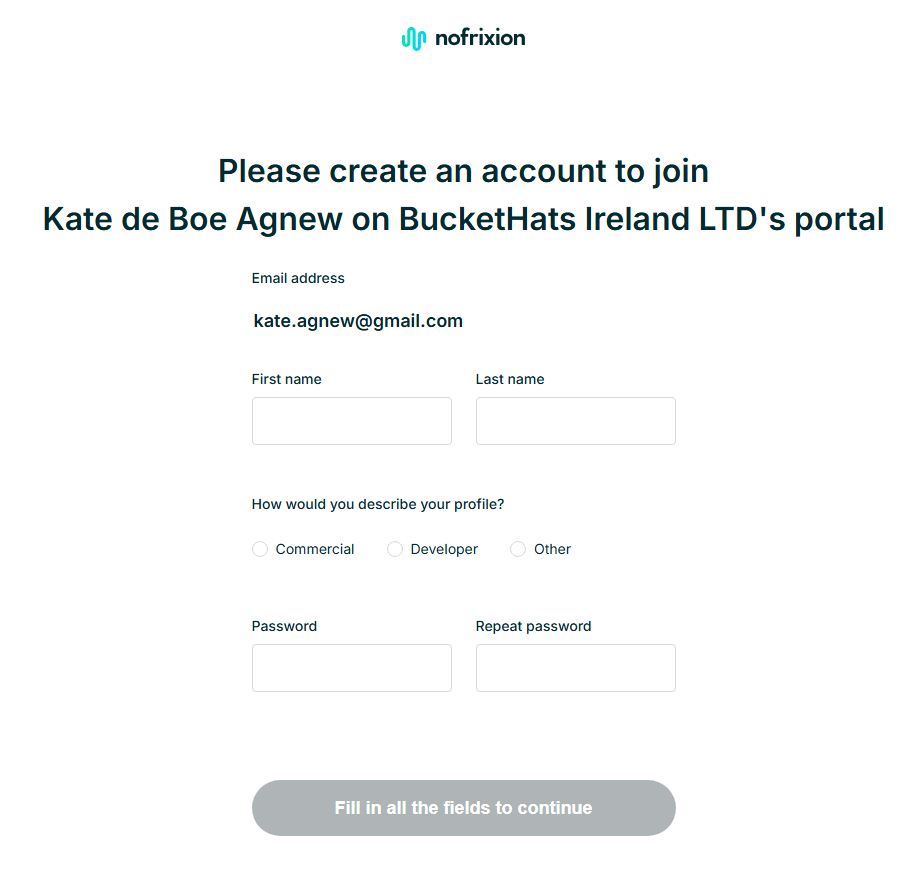
- Enter your name, pick a profile, and enter a password. Note, your password must have:
- At least 8 characters
- One uppercase letter
- One lowercase letter
- One number
- One of these special characters !@$%^&*.?()-_#
- Click Create account:
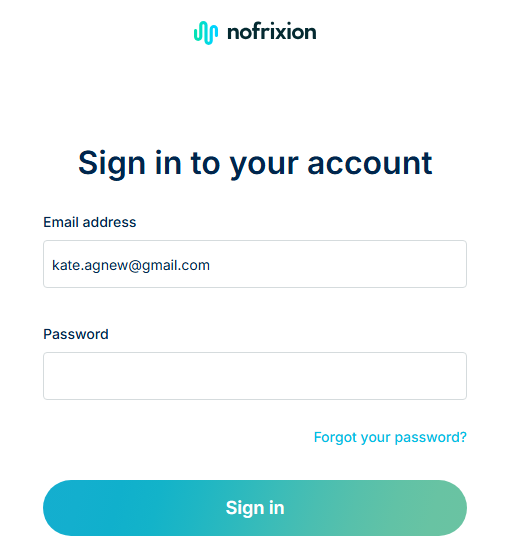
- You'll be prompted to enter your email address and password. Enter these and click Sign in:
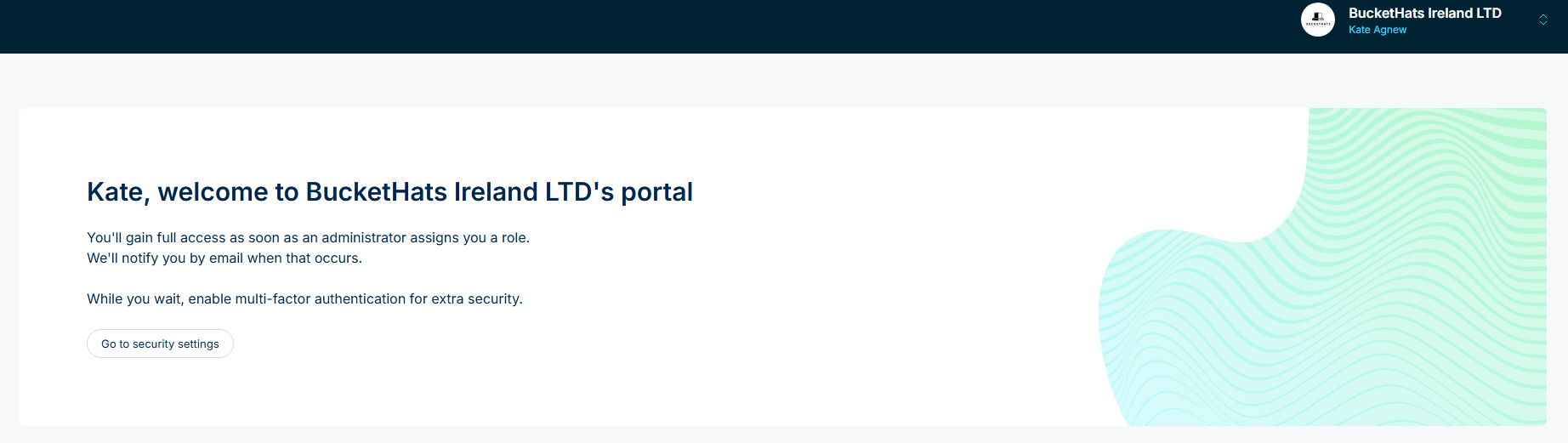
You now have an account with NoFrixion! Once your role has been assigned, you'll have relevant access to the merchant (business) account.