How to Create a NoFrixion Business Account
Video Tutorial
If you prefer, you can watch a video tutorial by clicking here.
To create a new payment account, follow the steps below:
- Go to the Current Accounts module.
- Click the + New Account button:

- Enter an Account Name (note this is for internal use only. Click here to learn more about the Merchant Name vs. Account Name). This can easily be changed once the account has been created.
- Select the currency for the account, e.g., EUR, GBP or USD.
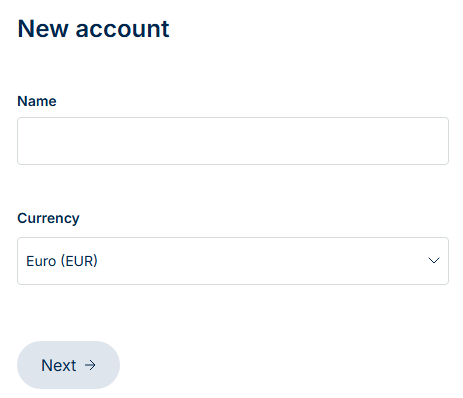
- Click Next to continue.
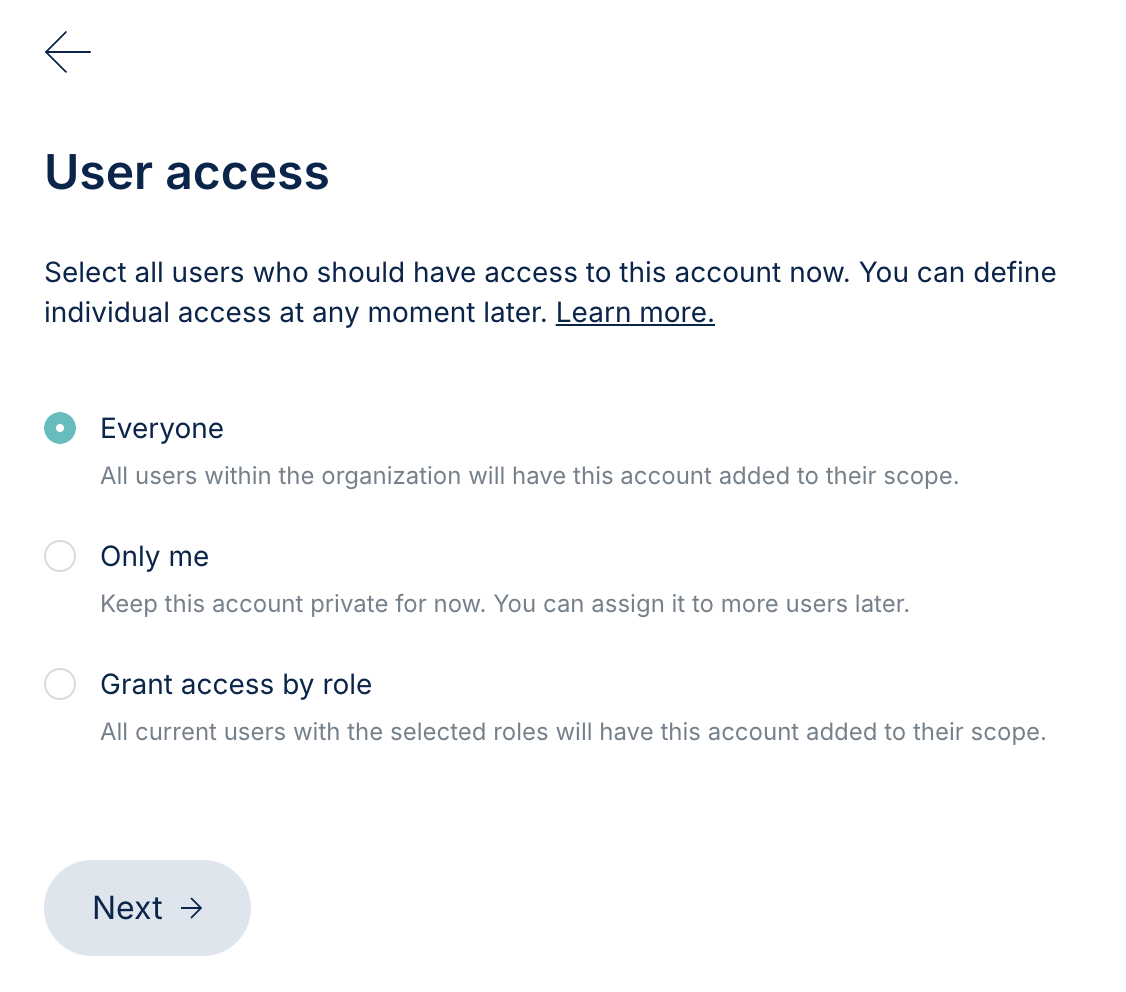
Depending on your role's permissions, you may want to configure who can access the new account.
Access Options:
- Everyone: All users on the merchant will have access to the account.
- Only Me: The account will be private and visible only to you initially. If you wish to update the access to this account, you can do so by assigning the account to a user.
- Grant Access by Role: Assign access to specific roles. This means that any user with this role will have access to the new account.
- Make your user access selection, then click Next to complete the setup.
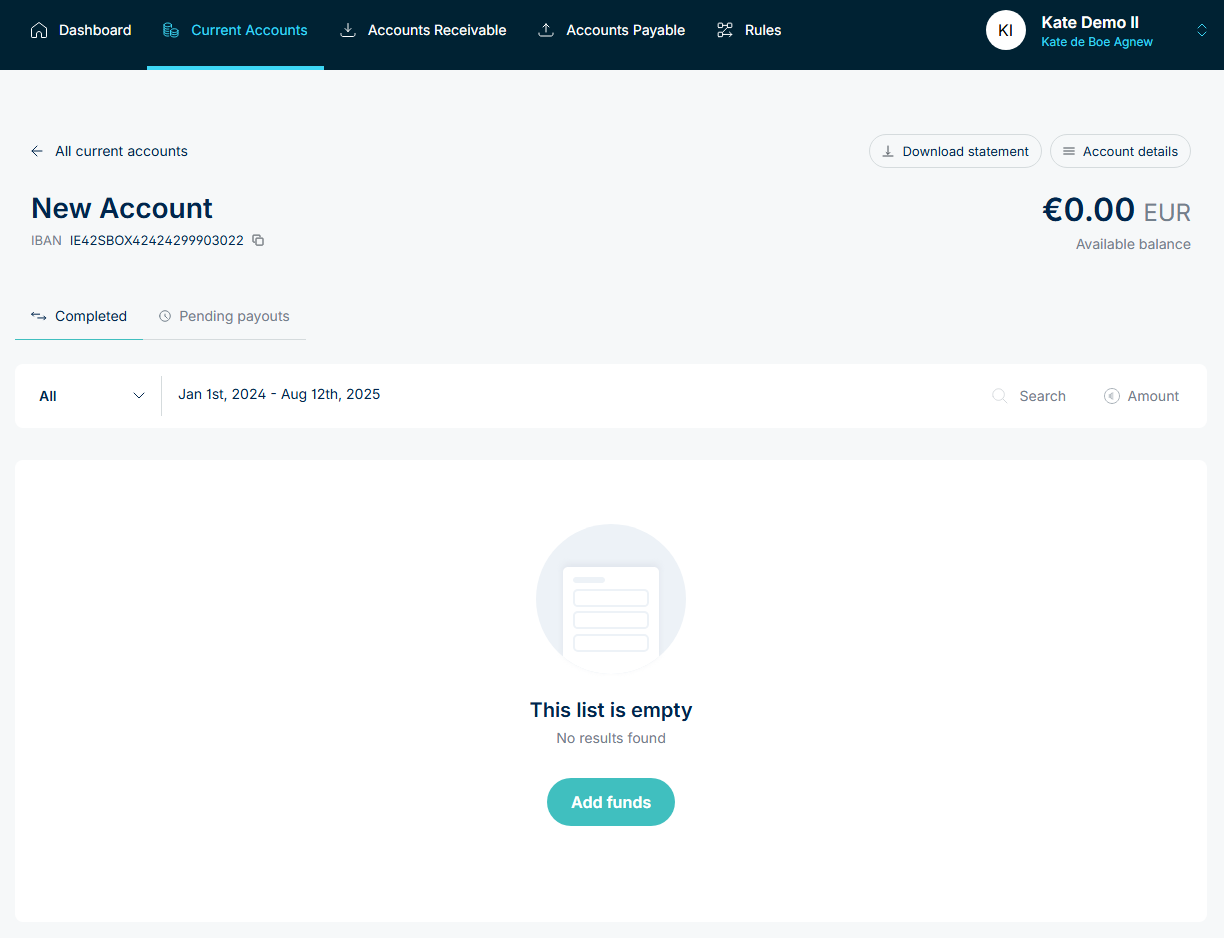
When the account is created, you will be brought to the new account’s profile. To see how to add funds into the account, click here.
Generally, this page provides detailed information about the specific account (“account details”), current balance, account statements and transaction history.
Note, GBP and USD accounts require additional time to generate account information.
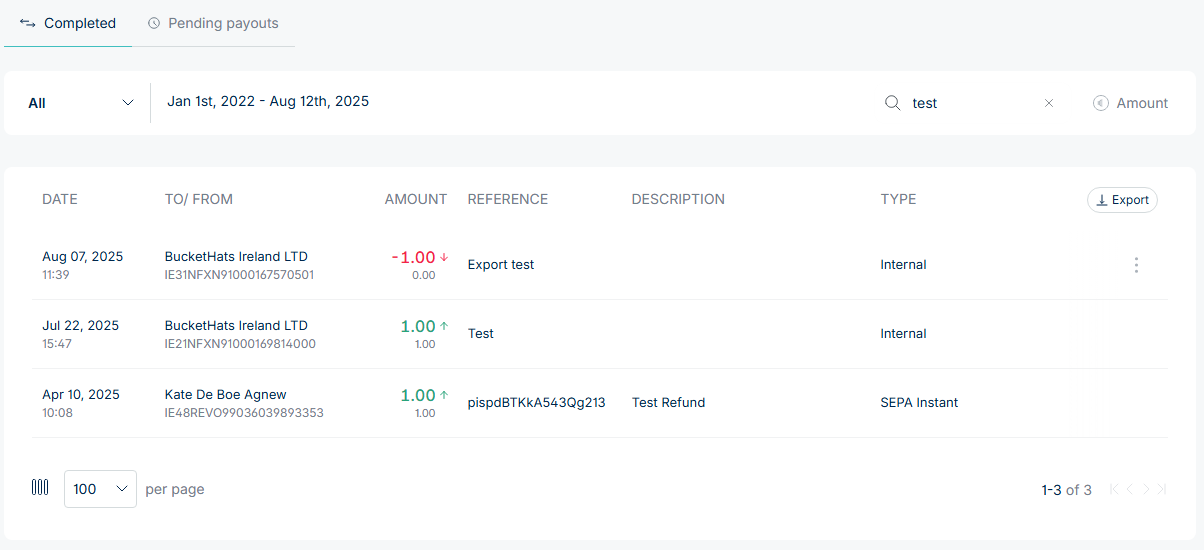
On an account profile page, you can search for transactions from specific dates and utilise the search functions for easy information retrieval: