
AR: Payment Request Report
You can easily export a CSV file of the Accounts Receivable table for reporting.
How to export
- Go to the Accounts Receivable module.

- You can select the payment request type by clicking on the relevant tabs, e.g., 'unpaid', 'authorised', 'partially paid', or 'paid'. Or, you can use the filters on the table to refine your data.
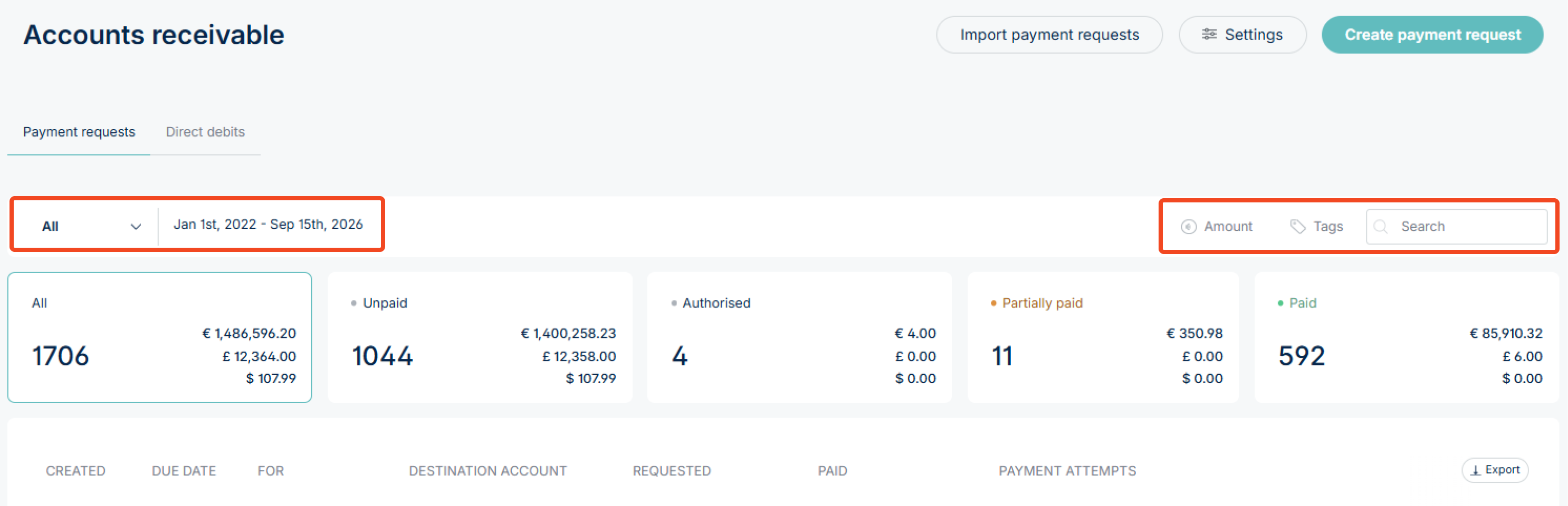
- Once filtered, click the Export button in the top-right corner of the table. Note, you may need to scroll horizontally to see the button.
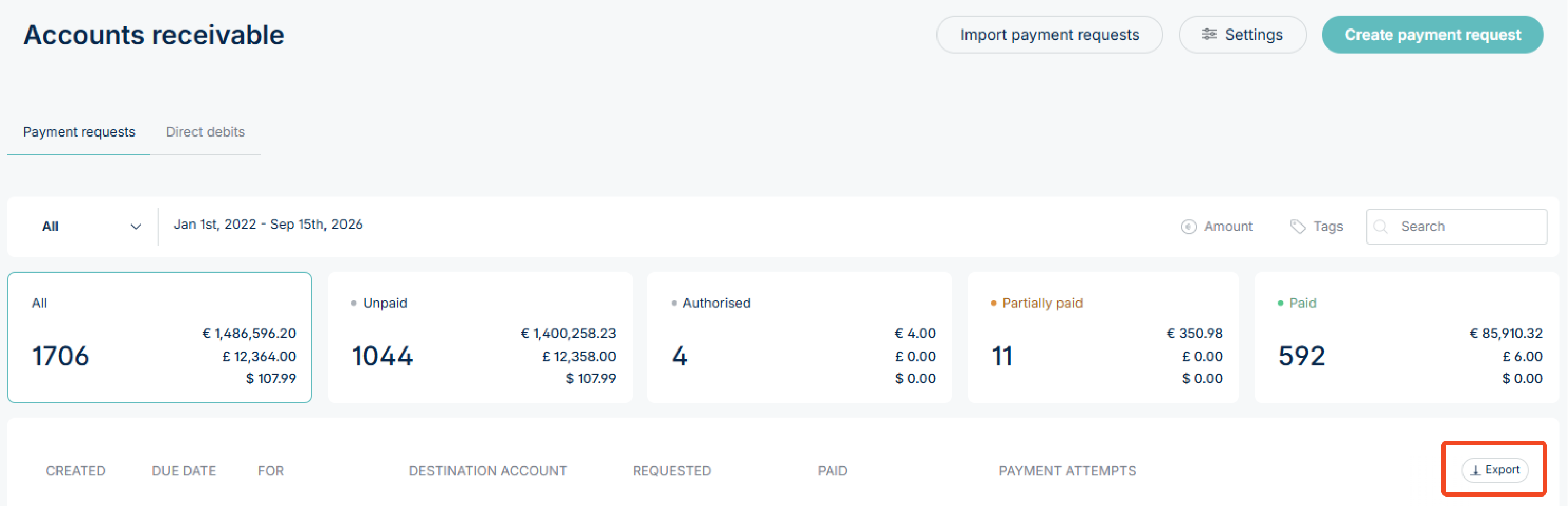
A CSV file will be generated. Open it in Excel, Google Sheets, or any compatible tool for further analysis.
What the report contains
| Column | What it means |
|---|---|
| ID | Unique ID for the payment request. |
| Merchant ID | The unique ID for your merchant account. |
| Amount | The payment request amount. |
| Currency | The currency of the payment request, e.g. EUR, GBP, USD. |
| Payment Methods | The payment methods enabled on the payment request (e.g. card, Pay by Bank, Apple Pay etc.). |
| Description | Description entered on the payment request. |
| Customer ID |
|
| Order ID | An order ID assigned to the payment request (if applicable). |
| Inserted | When the payment request was created. |
| Last Updated | When an update was last made to the payment request. |
| PISP Account ID | The ID of the account designated to receive Pay by Bank payments. |
| PISP Account Name | The name of the account designated to receive Pay by Bank payments. |
| Base Origin URL |
|
| Card Authorize Only | Specifies whether the card payment is set to authorise only rather than capture immediately (True = yes). |
| Card Create Token | Specifies whether a card token has been created for repeat payments (True = yes). |
| Card Create Token Mode |
|
| Status | The current status of the payment request (e.g. None, PartiallyPaid, FullyPaid, Overpaid). |
| Partial Payment Method |
|
| Customer Email Address | The email address of the customer entered (if applicable). |
| Card Stripe Payment Intent ID |
|
| Card Stripe Payment Intent Secret |
|
| Notification Email Addresses | Email addresses set to receive payment notifications (if applicable). |
| Priority Bank ID | The Bank ID, if set as a priority. |
| Title |
|
| Partial Payment Steps |
|
| Amount Received | The total amount received against this payment request. |
| Amount Refunded | The total amount refunded against this payment request (if applicable). |
| Amount Pending | The amount pending against this payment request. |
| Created By User ID | The ID of the user who created the payment request. |
| Created By User Name | The name of the user who created the payment request. |
| Merchant Token Description |
|
| Transaction IDs |
|
| Payrun ID | The ID of the payrun linked to this payment request (if applicable). |
| Shipping Address |
|
| Billing Address |
|
| Customer Name | The name of the customer (if applicable). |
| Payment Processor | The processor used to handle payments on this request. |
| Tags | Any tags applied to the payment request. |
| Due Date | The payment due date (if set). |
| Custom Fields | Any custom fields added to the payment request and their values. |
If you have questions about a specific payment request, contact us at support@nofrixion.com.