How to Create Bulk Payment Requests
The Import payment requests feature allows you to generate multiple payment requests at once, saving you from creating them one by one.
Before You Start: Check Your Payment Request Settings
Your CSV file works alongside your existing Payment Request Settings, so it's important to check these are configured correctly before importing:
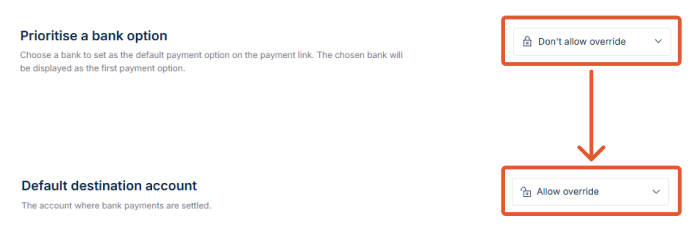
- Locked fields cannot be included in your CSV. If a setting is set to Don't allow override (for example, Prioritise a bank option), that column must be left out of your CSV file entirely. Including it will cause the import to fail. To include a column for one of these fields in your CSV, the corresponding setting must be set to Allow override.
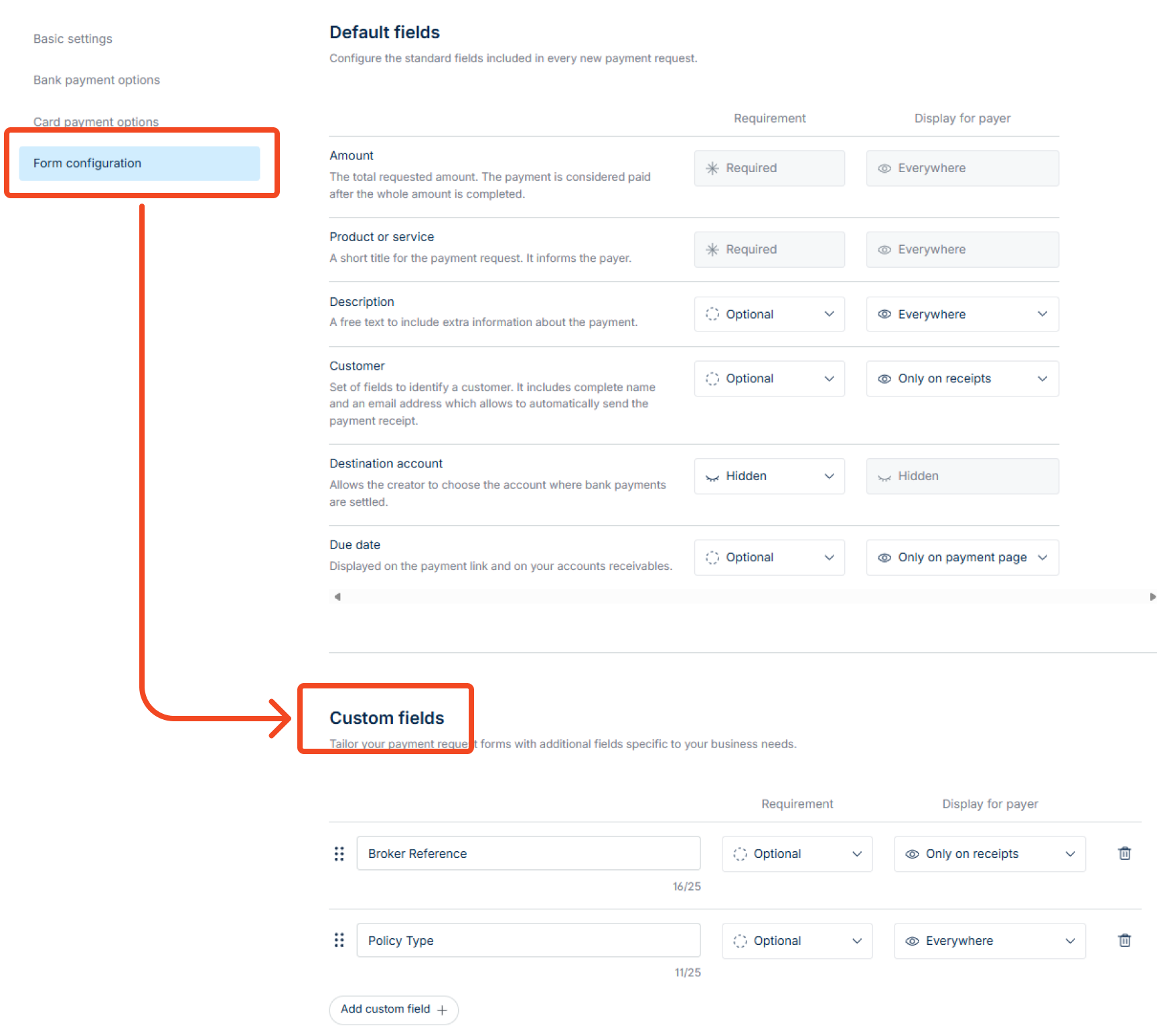
- Custom fields must be created in your settings first. Any custom field you want to populate via CSV (for example, "Client ID") needs to already exist in your Payment Request Settings. Your CSV column header must match the custom field name exactly, including capitalisation; even a small mismatch will cause that field to be silently skipped. We recommend double-checking your CSV headers against your settings before importing.
Please refer to our Payment Request CSV Template guide to build your file correctly the first time.
How to Import your file
- In the Accounts Receivable module, click Import payment requests.

- You'll be redirected to a new page where you can upload your CSV file. Click on the link to upload it from your device. If you need guidance, click here.
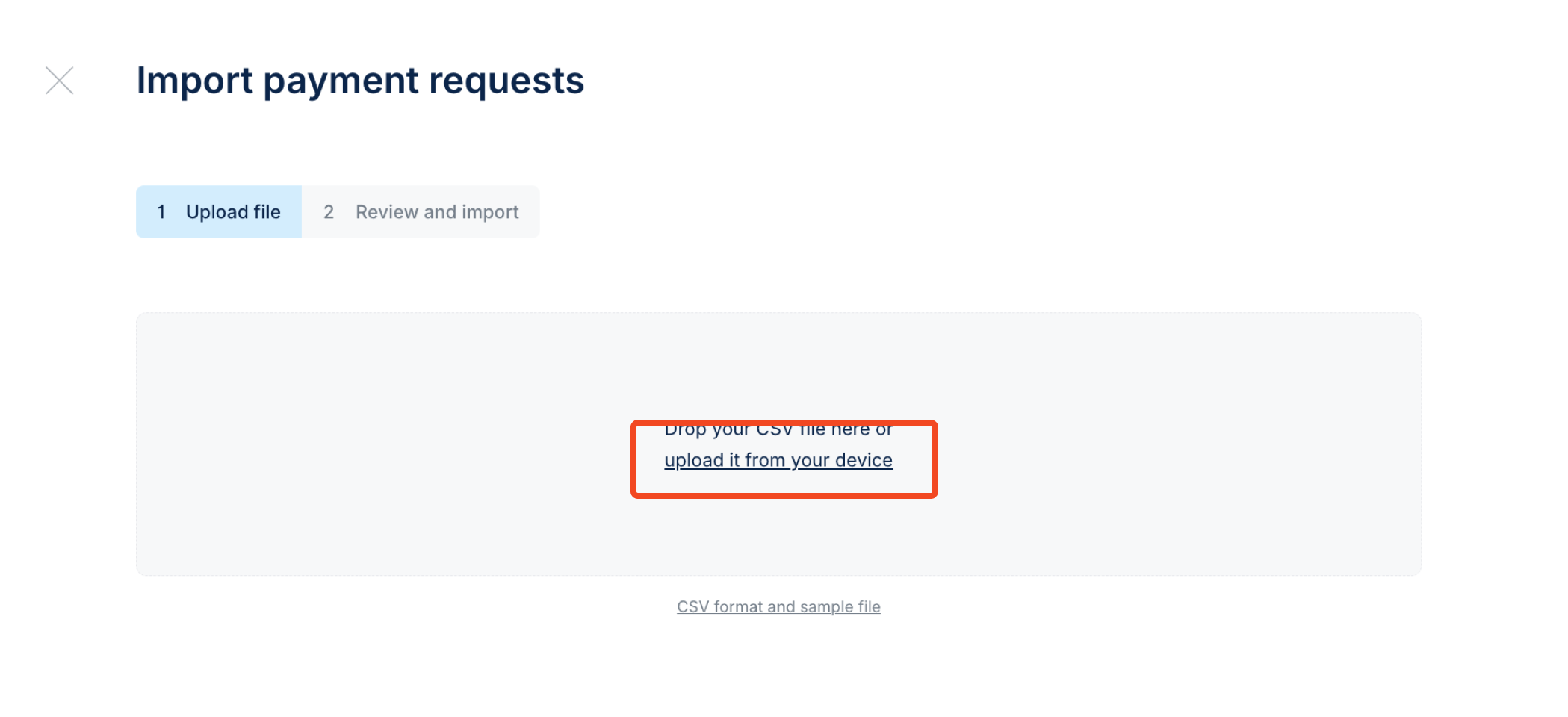
- Select your CSV file and upload it. Once the CSV file has been uploaded, the platform will automatically organise the individual payment requests for your review and display the total number of them in the top right corner.
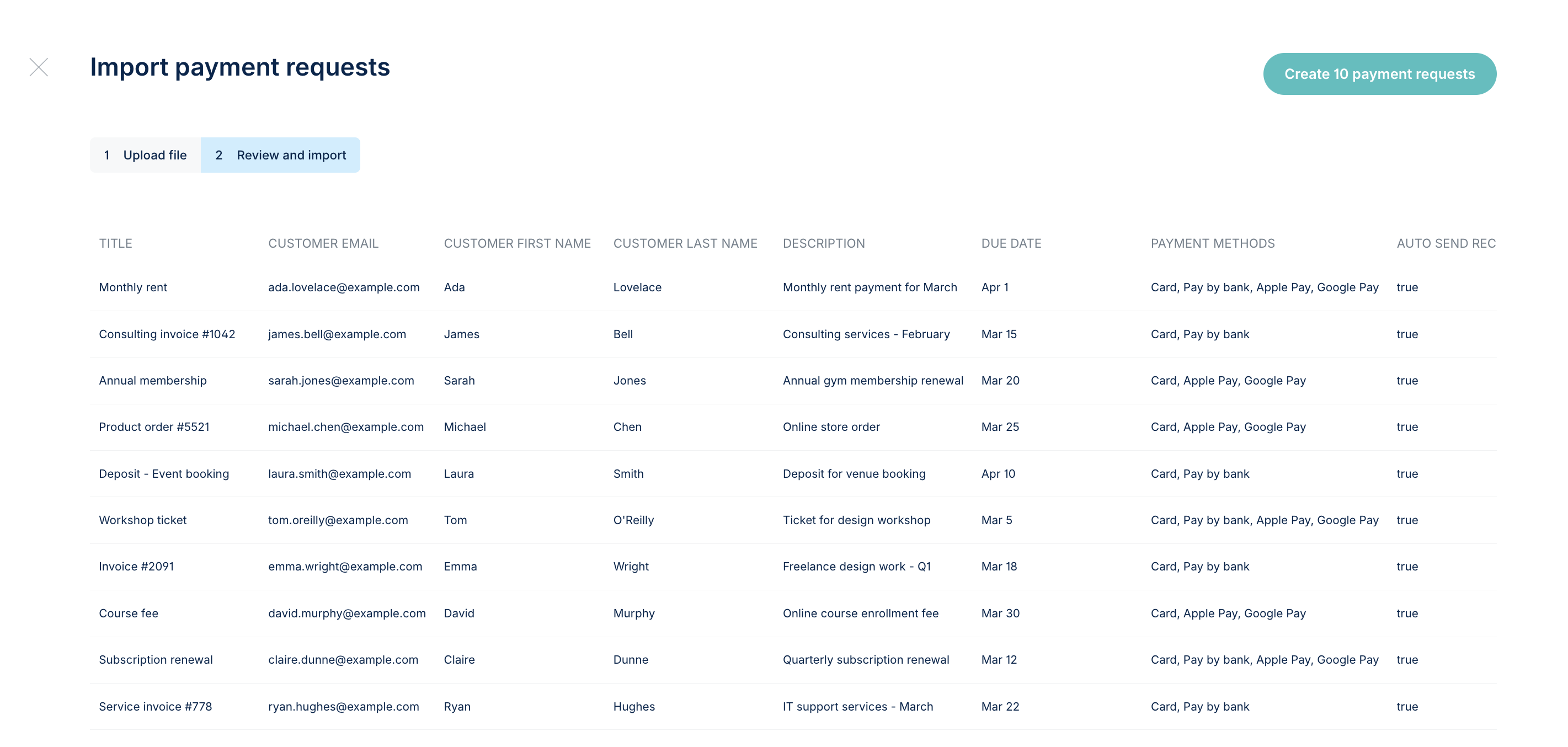
- Once you're happy with the details, click Create and confirm.
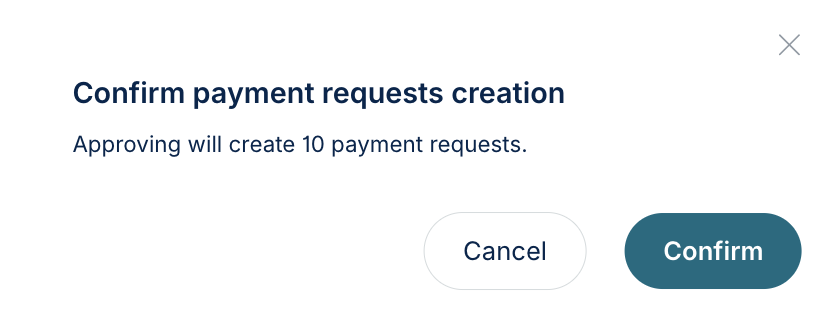
- Your payment requests will be generated and ready to share. Each one will have its own payment link and QR code, which you can copy and send to your customers.
A Note on Batch Size
CSV imports via the portal are limited to 150 payment requests per upload.
Error Message
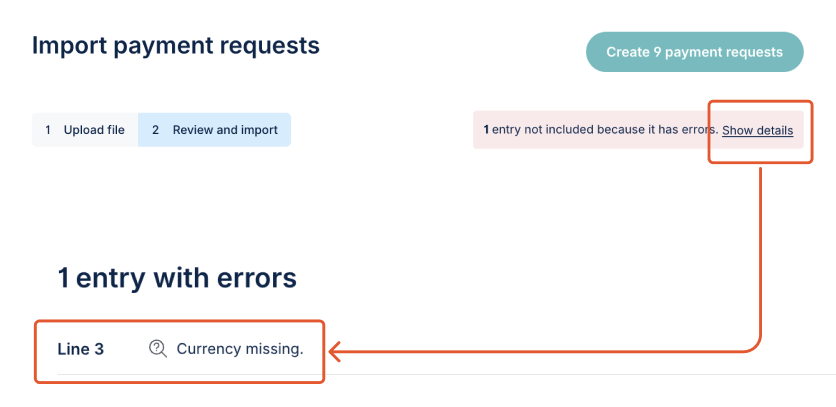
If there are any errors in the CSV file, the system will warn you and confirm where the error lies in the file.