How to Create a New Role
To create a role, follow the below steps:
- Log in to your NoFrixion account.
- Navigate to the arrow icon beside the merchant name, and click on it. A dropdown menu will appear.
- Click on System administration.
- Click on the Roles and permissions tab. You'll see all roles listed in the table:
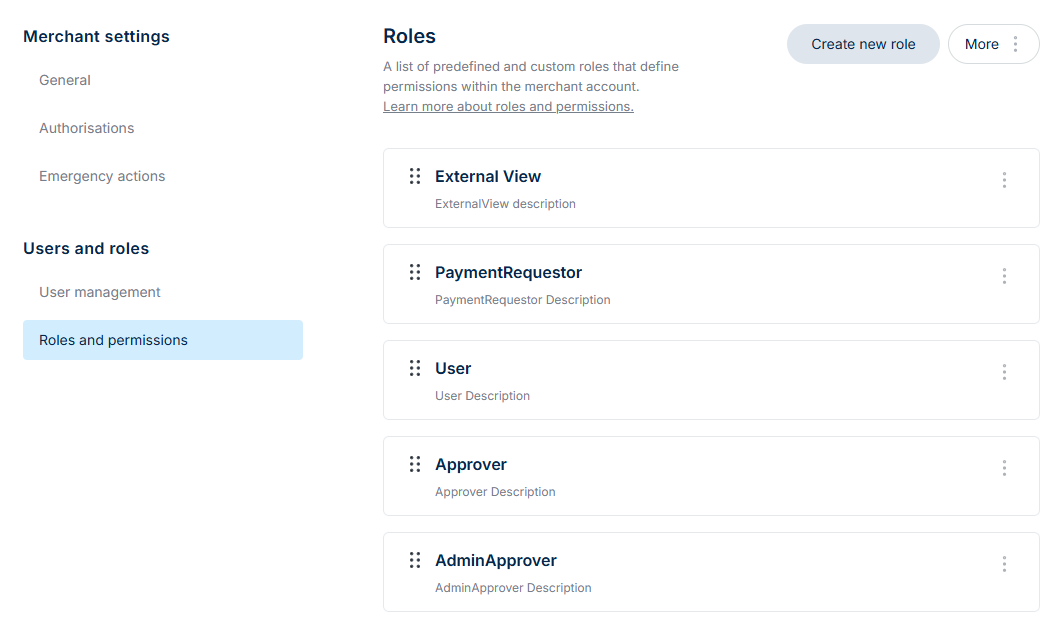
- Click the Create new role button:

- Here you will:
- Name the new role
- Add a description
- Select from the dropdown menus what permissions the role should have enabled
As you fill in information and make selections on the left, the summary on the right will respond. To get a deeper understanding of what each permission reflects, click here for our permissions guide.

- Toggle on to enable permissions:
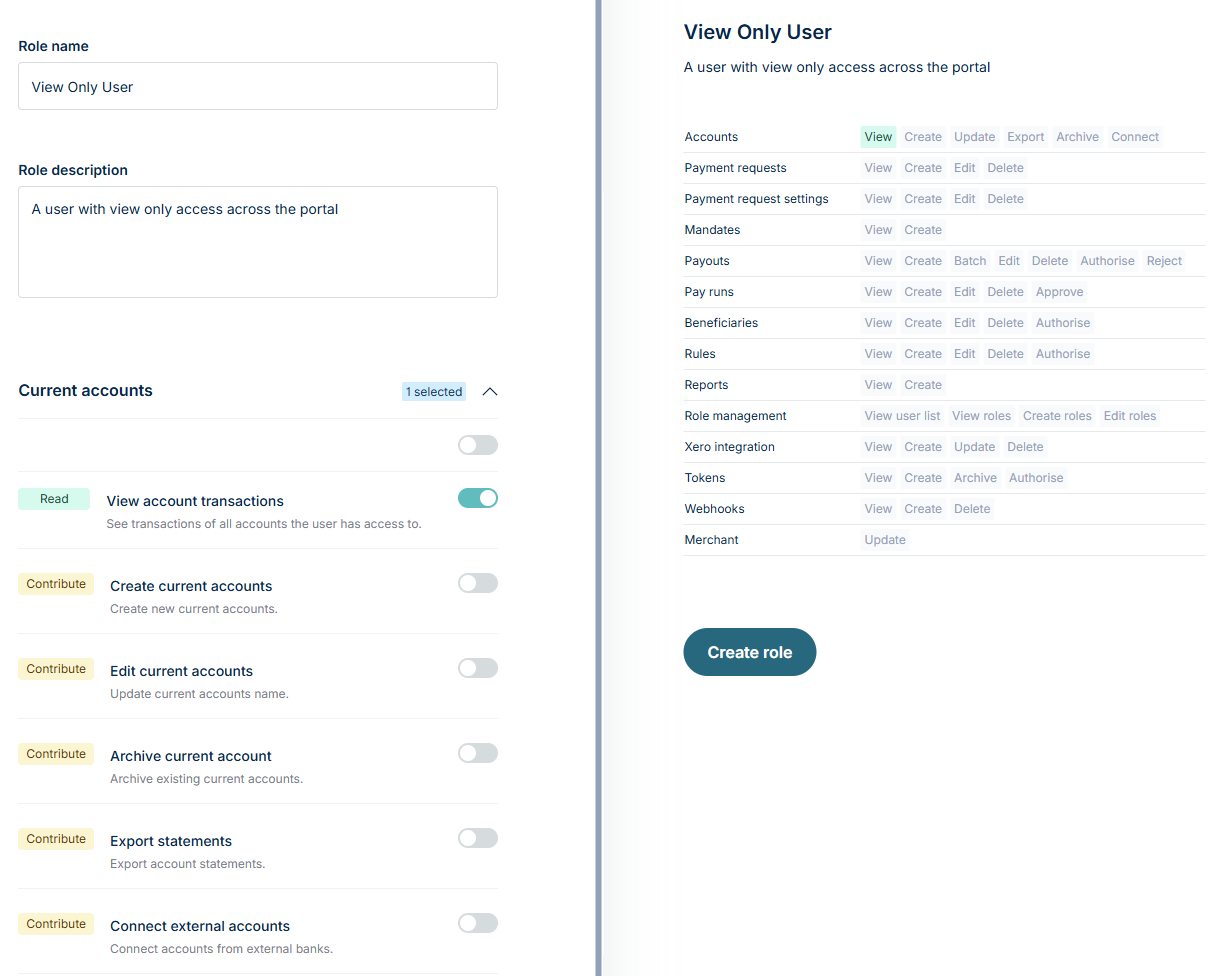
- When you have finished selecting the appropriate permissions, click Create role.

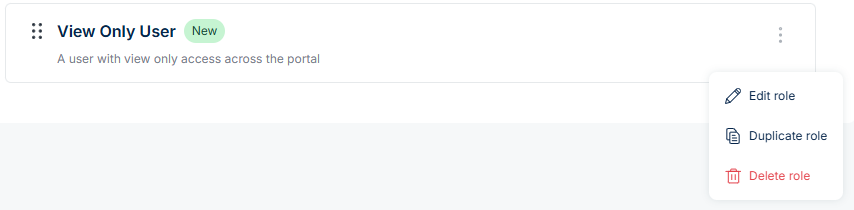
The new role will appear at the top of the table:

You can edit, duplicate or delete the role by clicking on the three dots icon: